System stats
CPU, memory and network in real time.
Twenty tools living in your MacBook’s notch — Ask Omni, now playing, clipboard, weather, stocks, timers and more. Native, private, always a hover away.
macOS 14+ · Apple silicon & Intel · No account
Missing your must-have? Tell us what belongs in the notch →
First launch: right-click the app → Open (one-time Gatekeeper step).
Everything you reach for all day, parked around the camera.
Twenty tools, one hover
The rest of the twenty — small tools that keep you out of app-switch purgatory.
CPU, memory and network in real time.
Focus sessions that live in the notch.
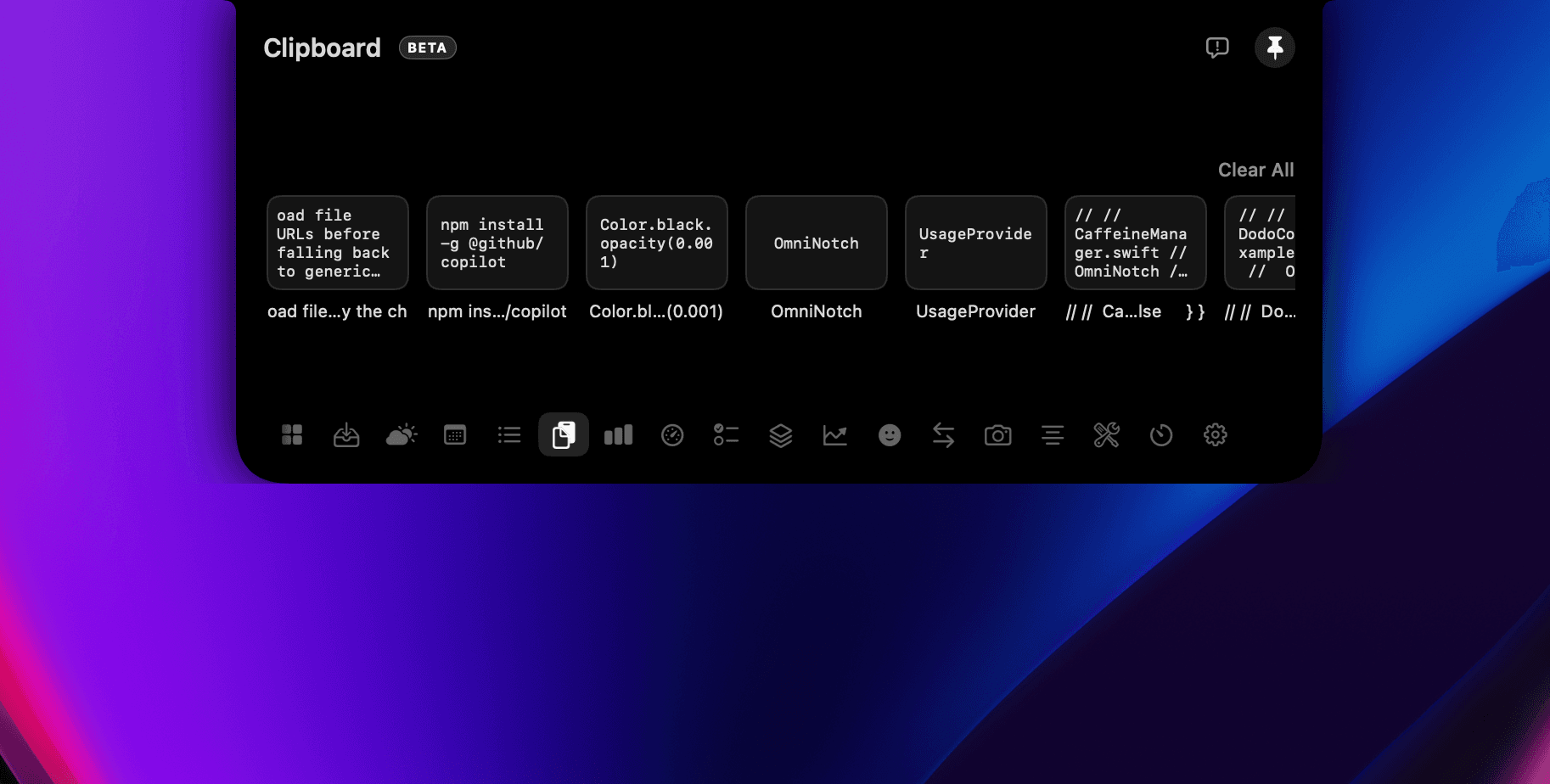
Every clip kept, most-recent-first. Re-copy with a click, ⌥-delete when done.
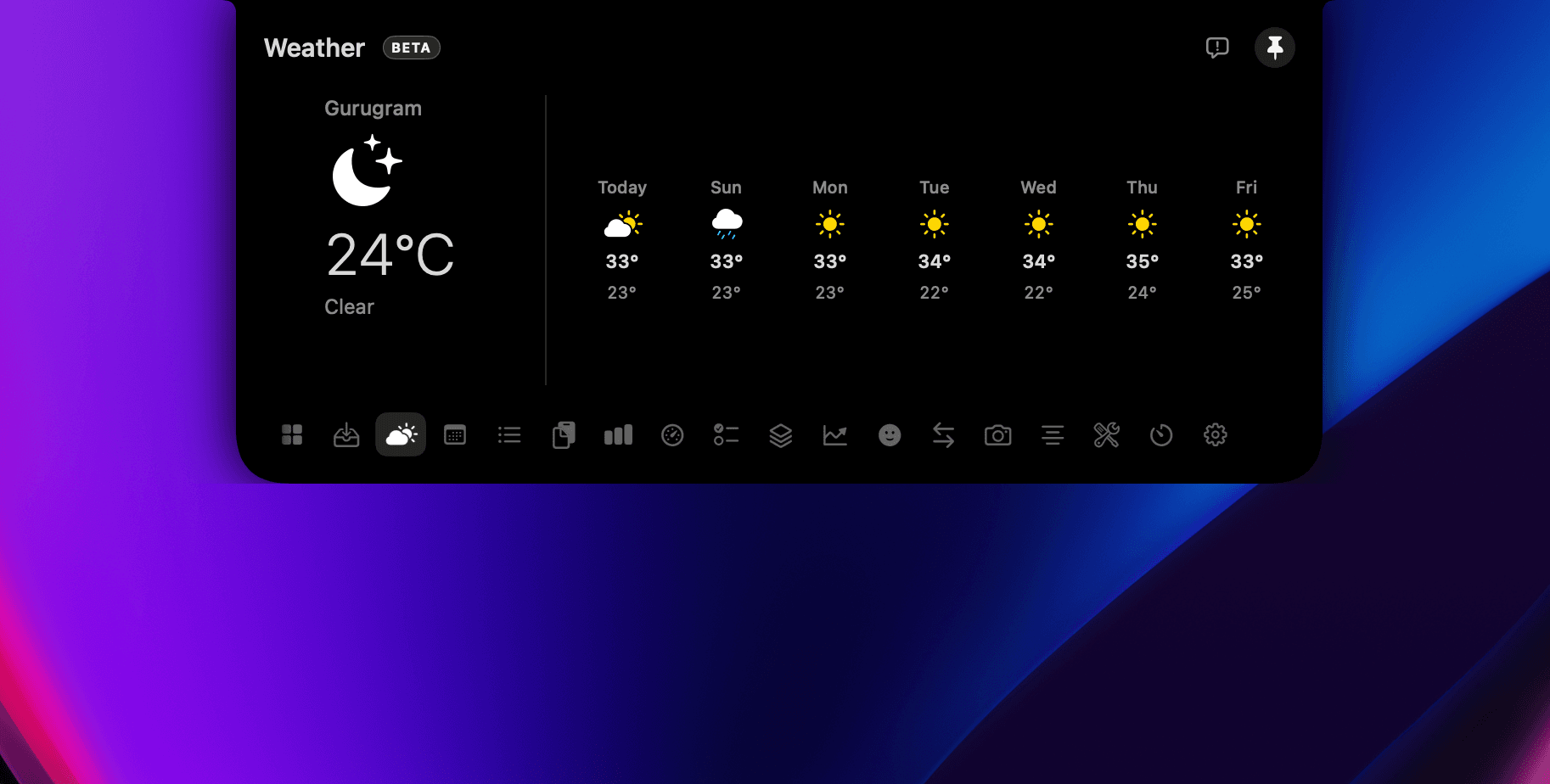
Today and the week, wherever you are.
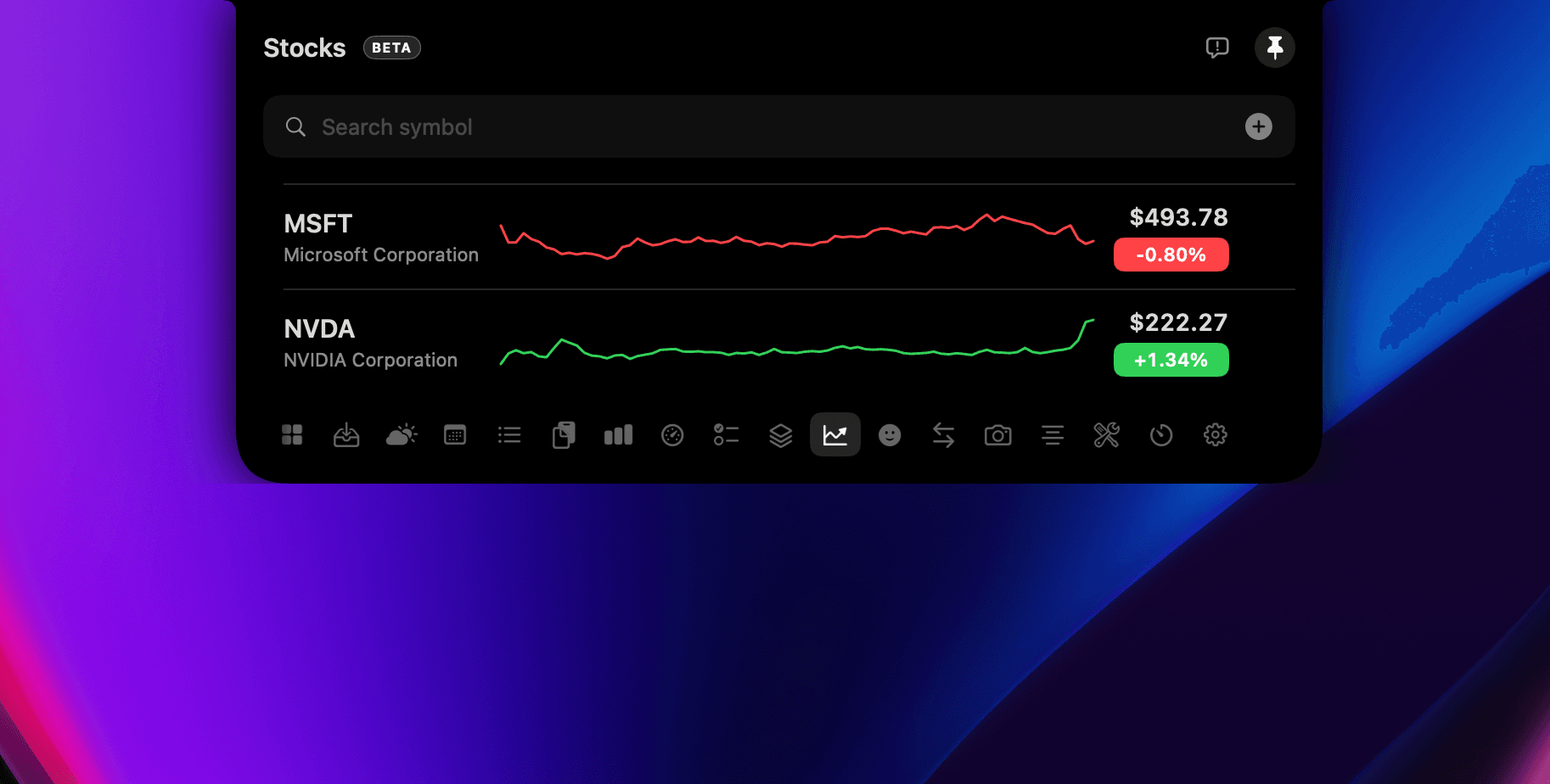
Track tickers with live intraday moves.
Run your Shortcuts from a tap.
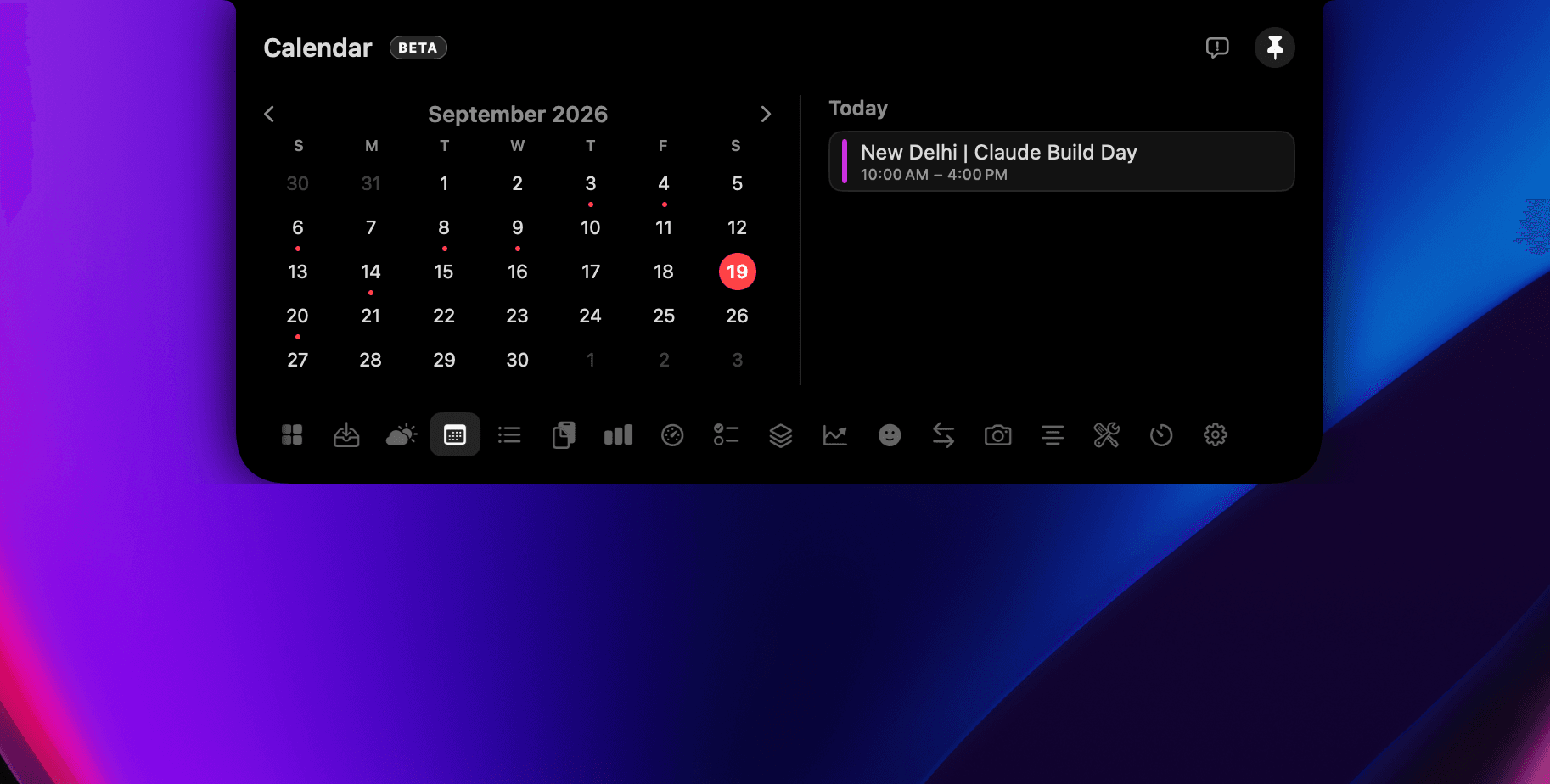
Your day and next event, always visible.
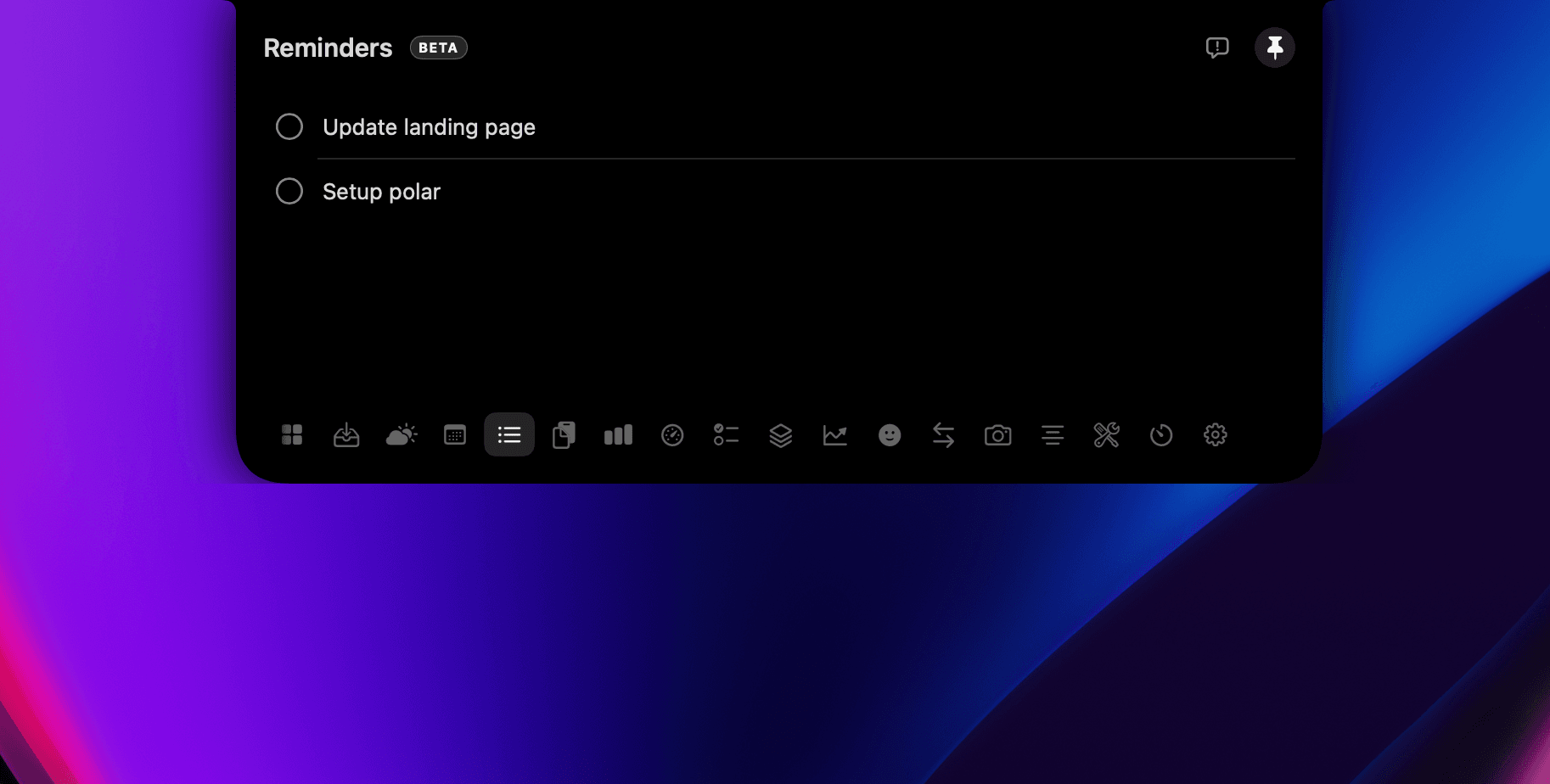
Check off Apple Reminders without switching apps.
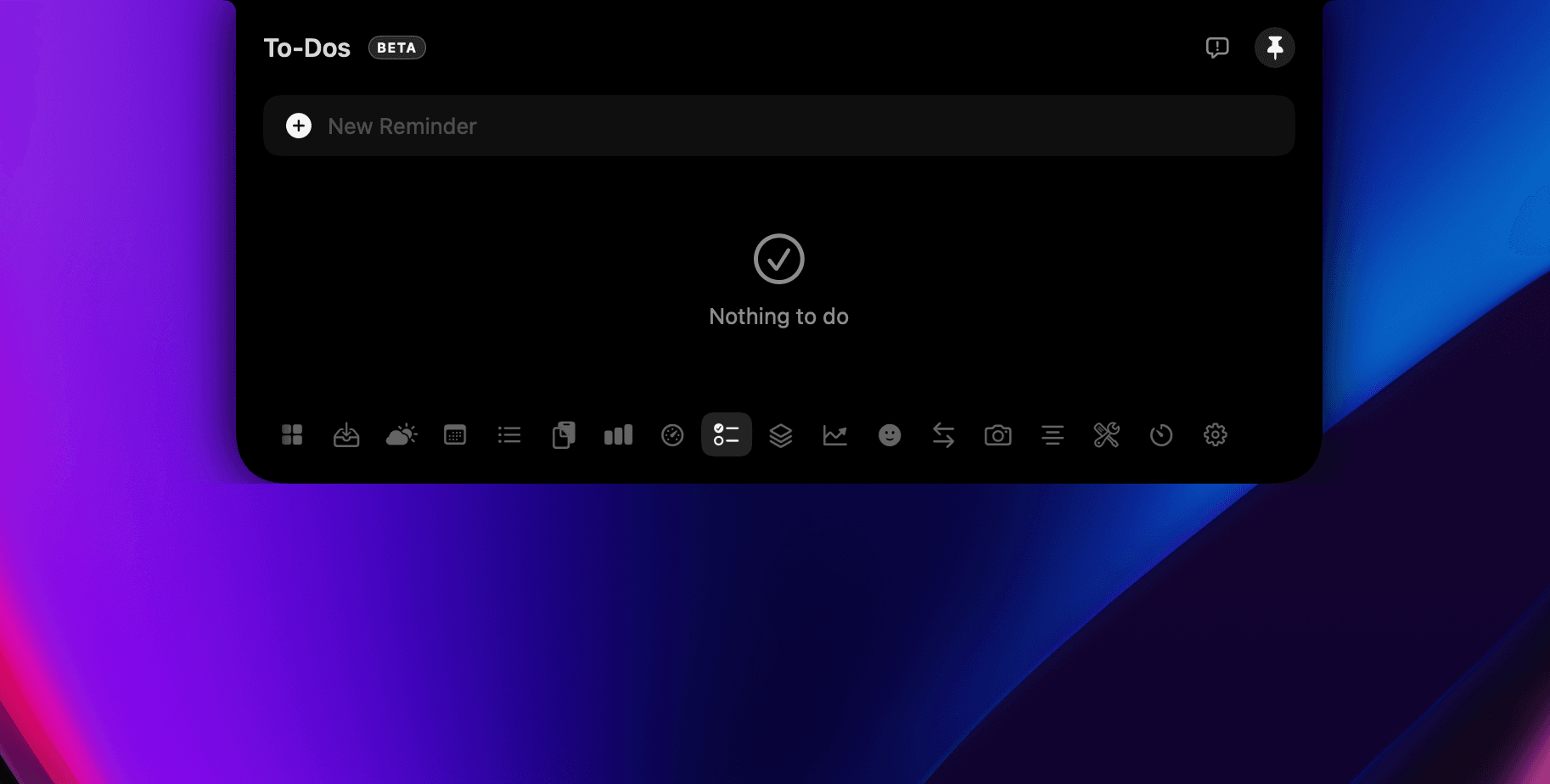
A quick local list for the task at hand.
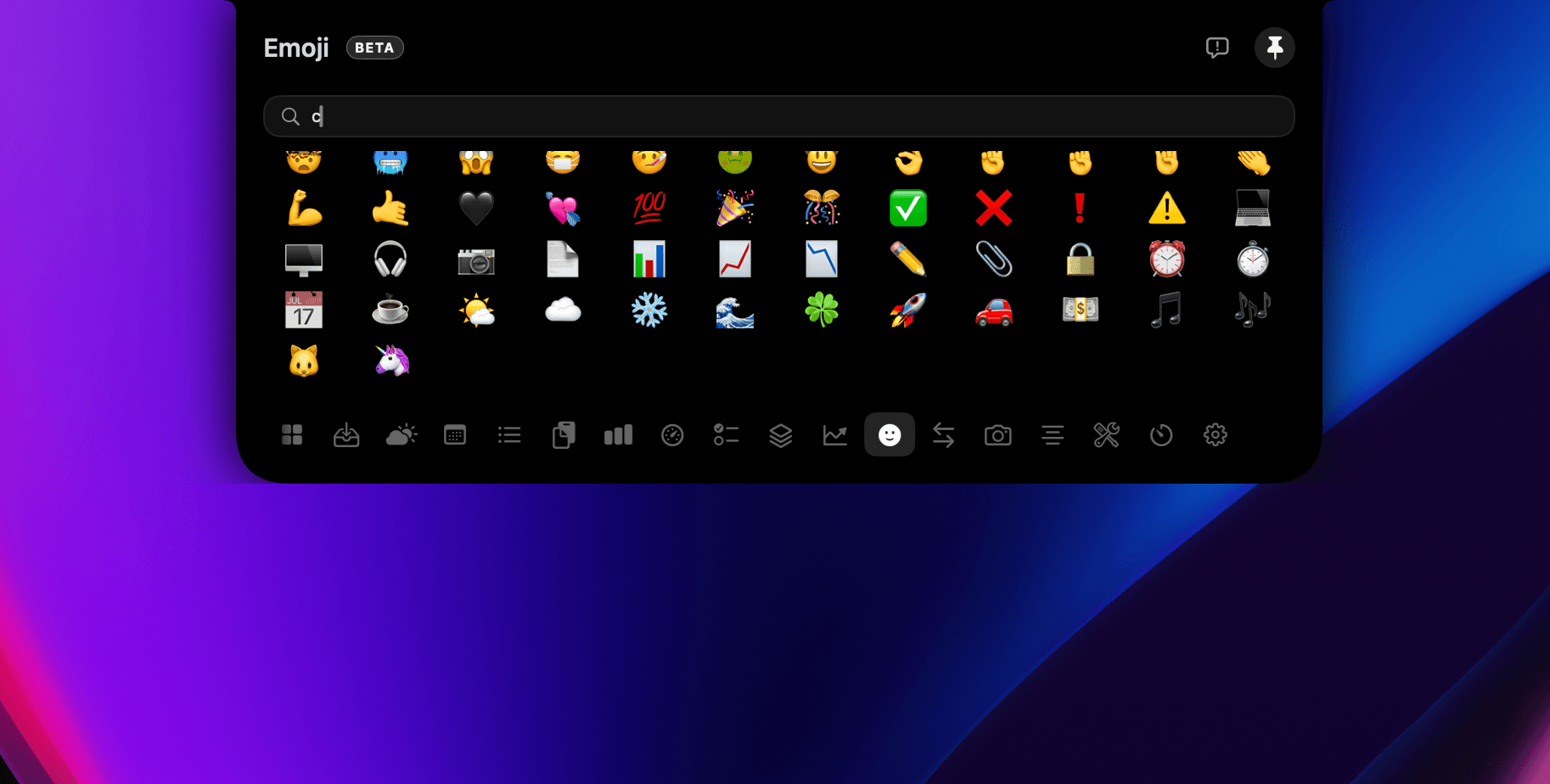
Search and drop emoji anywhere.
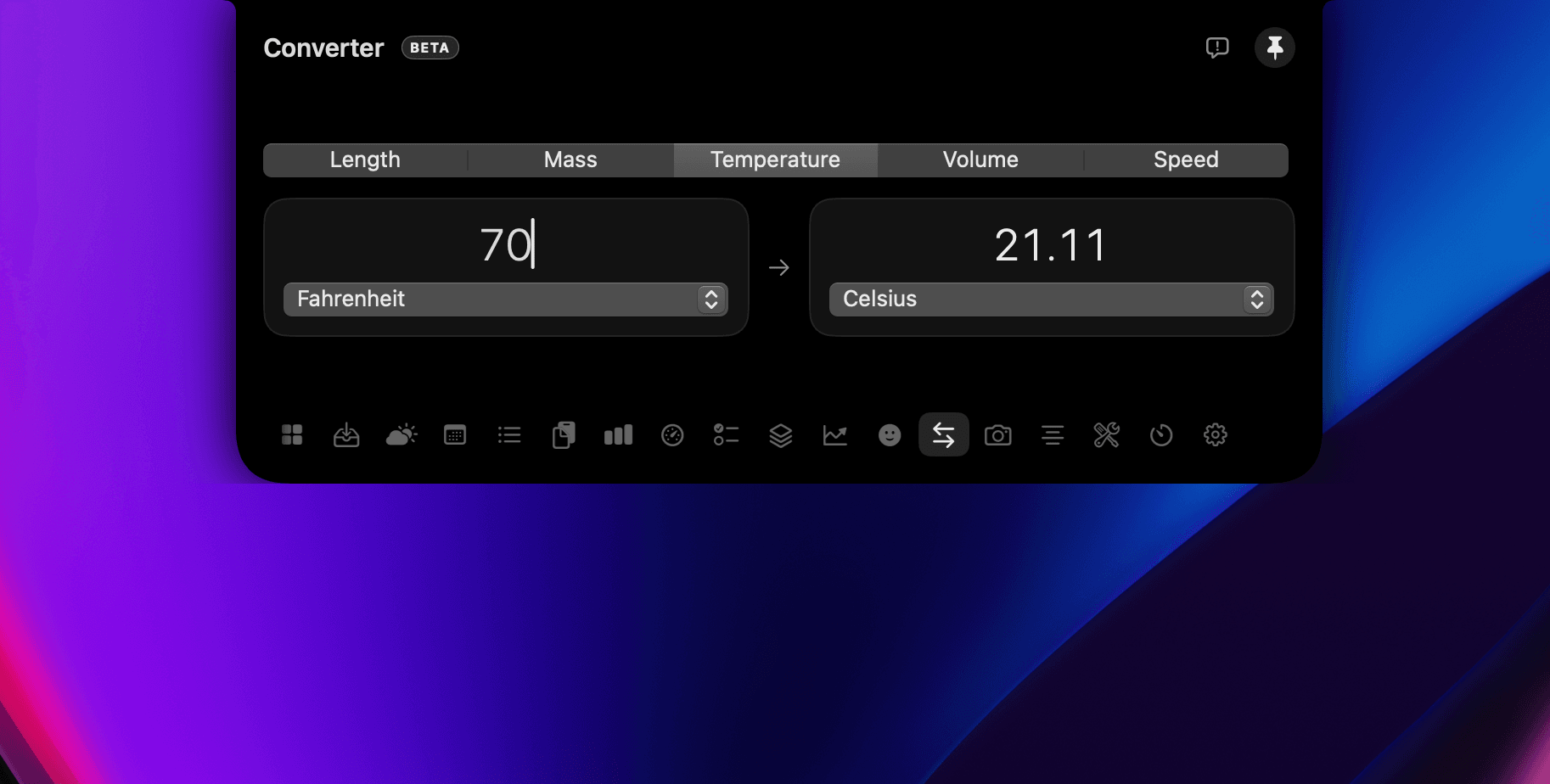
Currency, length, weight — instantly.
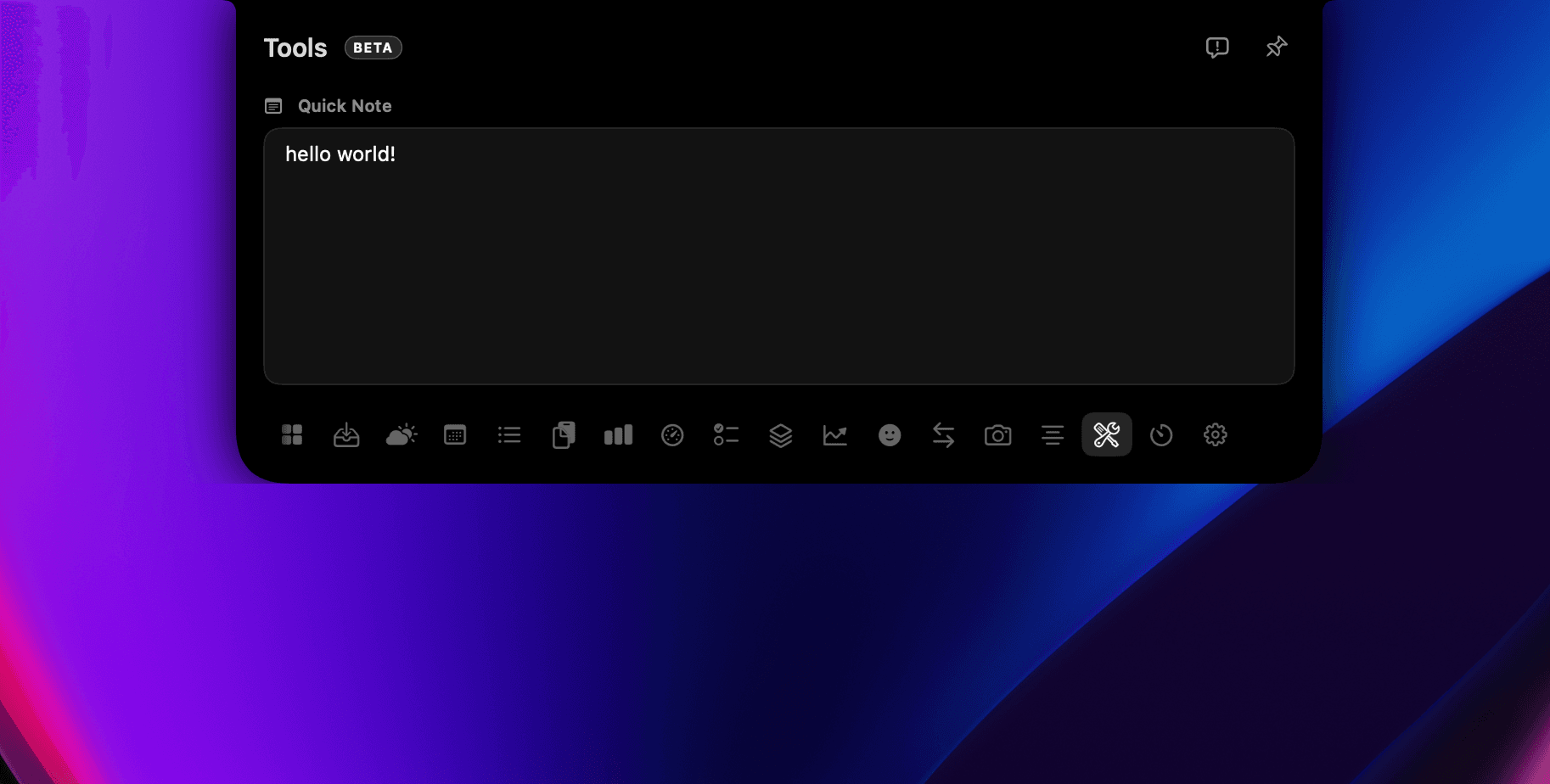
Jot a thought that's there when you return.
Twenty tools — from Ask Omni and clipboard to weather, stocks and live AI usage — for a fraction of the price.
 OmniNotch$5 OmniNotch$5 |  Alcove$14.99 Alcove$14.99 |  NotchNook$25 NotchNook$25 |  The Boring NotchFree The Boring NotchFree |  AtollFree AtollFree | |
|---|---|---|---|---|---|
| Files & sharing | |||||
| Drag-and-drop file shelf | |||||
| AirDrop quick send | |||||
| Auto-save dropped filesConfigurable retention window | |||||
| Clipboard | |||||
| Clipboard history | |||||
| Re-copy & ⌥-delete clips | |||||
| Skips password-manager clips | |||||
| Experience | |||||
| Liquid spring physics | |||||
| Works on notch-less Macs | |||||
| Album artwork in notch | |||||
| Beyond the notch | |||||
| Now Playing controls | |||||
| Weather, stocks & unit converter | |||||
| Ask Omni — on-device chatApple Intelligence Foundation Models; nothing leaves your Mac | |||||
| Live AI usage (Claude / Codex / Copilot)Reads local CLI tokens on-device | |||||
| Timers, calendar, reminders & to-dos | |||||
| Ownership & privacy | |||||
| 100% on-device, no account | |||||
| One-time price, no subscription | |||||
| Open source foundationBuilt on NotchDrop (MIT) | |||||
Publicly documented features as of 2026. Names and icons belong to their respective owners.
After you buy
Your license key arrives by email. Paste it once — OmniNotch activates on up to 3 Macs and keeps working offline.
01
Buy
Lifetime license from $5 — key by email.
02
Paste
Enter it in the notch on first launch.
03
You're in
All tools unlock — up to 3 Macs.
Just purchased? Full setup steps →
Yes. On notch-less Macs OmniNotch draws its own floating notch at the top of your screen, so every feature still works.
No. It's a one-time payment for a lifetime license, including all future updates. No account, no recurring bill.
Nowhere. Clipboard history and dropped files stay on your Mac. There's no cloud and no telemetry — it even skips password-manager and transient clips. Ask Omni runs on-device via Apple Intelligence Foundation Models, so prompts never leave your Mac.
Private on-device chat in the notch, powered by Apple Intelligence Foundation Models. Rewrite, extract, summarize, and brainstorm without sending anything to a remote server. It requires a Mac with Apple Intelligence enabled.
After you buy, your license key arrives by email. Enter it once in OmniNotch — it activates on up to 3 Macs, is stored in your macOS Keychain, and keeps working offline.
Until we notarize with Apple, Gatekeeper blocks the first launch. In Finder: right-click OmniNotch → Open → click Open. You only need to do this once.
Absolutely — there's a 14-day, no-questions-asked money-back guarantee.